

1. Download the app
or optionally head to my.budgets.money (https://my.budgets.money)
2. Create an account and sign in
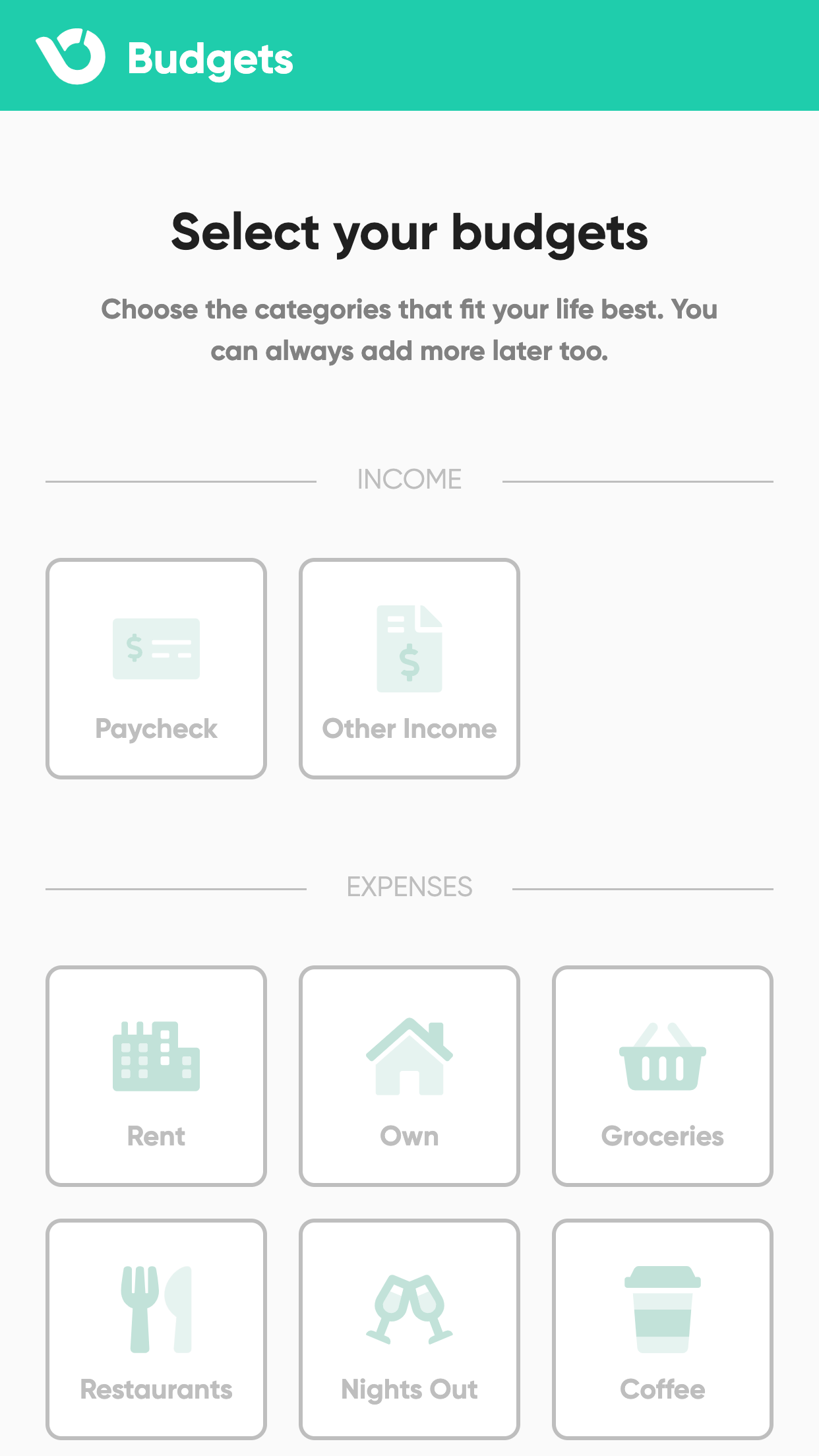
3. Pick your budget categories
4. Add your financial accounts
5. Setup your budgets
That’s all there is to getting started working with Budgets. If you have questions about budgeting or how to use the app, email us at support@budgets.money anytime!